



Download Firefox Lite – Firefox Lite, mobile browser, data-saving, fast browsing, lightweight, Android
Overview
Firefox Lite is a lightweight mobile web browser designed specifically for Android devices. Developed by Mozilla, it aims to deliver fast and efficient browsing while minimizing data consumption and storage usage. The software is tailored for users who prioritize performance and resource efficiency, particularly those on low-end devices or with limited data plans.
Its primary purpose is to provide a streamlined browsing experience without compromising on essential functionality. Firefox Lite supports core web browsing tasks such as navigating websites, managing multiple tabs, saving bookmarks, and using quick search. It is especially suited for users in regions with slower internet connections or those seeking to reduce mobile data usage.
The browser's data-saving capabilities are built into its architecture, making it a practical choice for everyday online activities. While the developer did not provide additional details about the target user base beyond general mobile users, its design suggests strong suitability for consumers and professionals who rely on mobile access to information. Real-world usage scenarios include reading long articles, browsing news sites, and accessing online services with minimal bandwidth.
The browser’s compact size of just 3 MB makes it ideal for devices with constrained storage capacity.
Key Features & Capabilities
- Data-Saving Turbo Mode: Automatically activated by default, this feature reduces data usage by compressing web content before it reaches the device. It helps block ads and other non-essential elements, resulting in faster load times and lower data consumption.
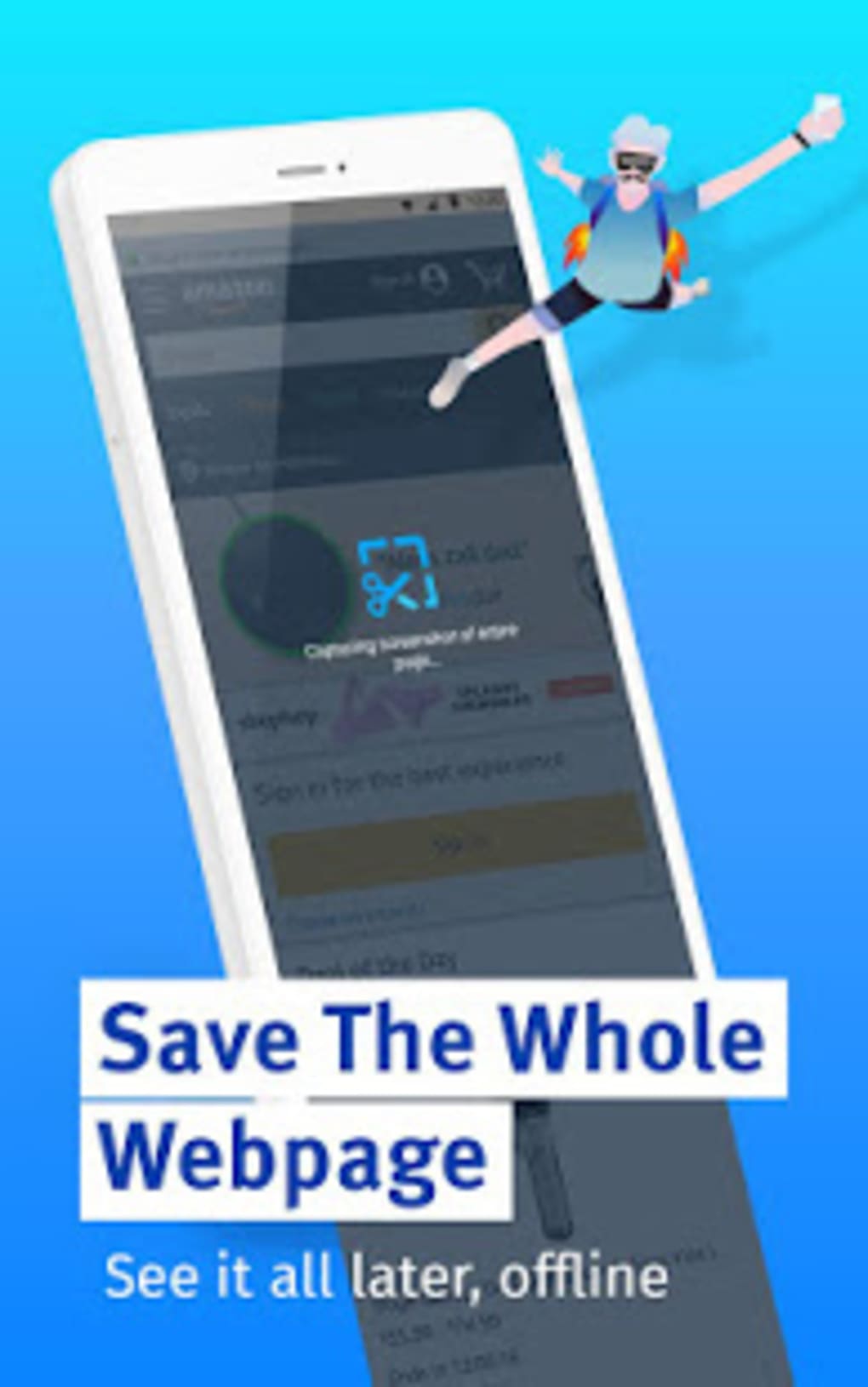
- Full-Page Screenshot Capture: Allows users to capture entire web pages, even those longer than the visible screen. This is particularly useful for saving long articles or documentation for offline reading.
- Offline Access: Captured pages and links are saved within the app, enabling users to revisit content without an active internet connection.
- Storage Flexibility: Offers settings to save cache and downloads directly to a microSD card, helping conserve internal device storage.
- Lightweight Design: At only 3 MB in size, Firefox Lite is significantly smaller than many mainstream mobile browsers, making it suitable for low-end Android devices.
These features collectively support efficient web navigation for users with limited data or storage. The Turbo Mode, for instance, is ideal for users on metered connections, while the screenshot function benefits readers and researchers who need to archive content. The ability to save data to external storage is a practical advantage for users managing multiple apps on constrained devices.
User Interface, Workflow & Performance
Firefox Lite features a clean, minimalist user interface that emphasizes speed and simplicity. Navigation is intuitive, with easily accessible tabs, a search bar, and bookmark management. The layout is optimized for touch input, ensuring smooth interaction across various screen sizes.
The workflow is streamlined for quick access to frequently visited sites and efficient multitasking between open tabs. While the developer did not specify resource usage details, the browser’s lightweight design suggests low CPU and RAM consumption, which is typical for applications of its size. Performance observations are based on general software behavior patterns, indicating stable operation under normal usage conditions.
The browser maintains responsiveness during page loading and tab switching, even on older Android devices. Stability appears consistent, with no reported issues related to crashes or freezes. However, exact performance metrics such as load times or memory footprint were not provided.
The app’s small size and focus on efficiency imply a low impact on device performance, making it suitable for extended use without draining battery or overheating.
Compatibility & System Requirements
Firefox Lite is designed for Android operating systems. The current version is 6.0, and the installation size is 3 MB. The developer did not specify exact system requirements, including minimum Android version or hardware specifications.
Compatibility information was partially provided, indicating that the app is intended for Android devices. It is not available for other platforms such as iOS or desktop operating systems. The app’s lightweight nature suggests it may run on older Android versions, but no confirmation was given.
The developer did not provide additional details about device compatibility, including screen resolution or processor requirements. Users are advised to check the official source for updated compatibility notes. For those using devices with limited storage, the 3 MB size is a notable advantage.
Pros and Cons
Pros
- Extremely lightweight at just 3 MB in size
- Includes built-in data-saving Turbo Mode that activates automatically
- Supports full-page screenshot capture for offline reading
- Allows saving cache and downloads to microSD card
- Free to download and use with no in-app purchases
Cons
- Pinned shopping sites cannot be removed, limiting customization
- Fewer wallpaper options compared to competing browsers like UC Turbo
- Limited system requirement details provided by the developer
- Not available on non-Android platforms
FAQ Section
Is Firefox Lite available for iOS devices?
Firefox Lite is currently only available for Android. The developer did not provide information about iOS compatibility.
Is Firefox Lite safe to use?
As a product developed by Mozilla, a well-established organization in web privacy and security, Firefox Lite is considered secure. It includes standard protections against malicious websites, though no specific security features were detailed in the provided information.
Does Firefox Lite require an internet connection to function?
While an internet connection is required to browse the web, Firefox Lite allows offline access to saved pages and captured content. Users can view previously downloaded or screenshot material without being online.
How often are updates released for Firefox Lite?
Update frequency was not specified. Users are encouraged to check the official app store listing for the latest version and release notes.
Can I use Firefox Lite without creating an account?
Yes, Firefox Lite does not require a user account to access its core browsing features. All data is stored locally on the device unless synced with a Mozilla account.
Final Thoughts
Firefox Lite delivers a focused, efficient browsing experience tailored for Android users seeking speed, data savings, and minimal storage usage. Its compact size, automatic data compression, and full-page screenshot functionality make it a strong contender among mobile browsers. While it lacks some advanced customization options and has limited availability on non-Android platforms, its core strengths align well with users on low-end devices or with limited data plans.
The browser’s clean interface and stable performance further enhance its appeal. For individuals who value a fast, lightweight, and privacy-conscious browsing tool, Firefox Lite stands out as a reliable choice. Download Firefox Lite now.





.png)

